
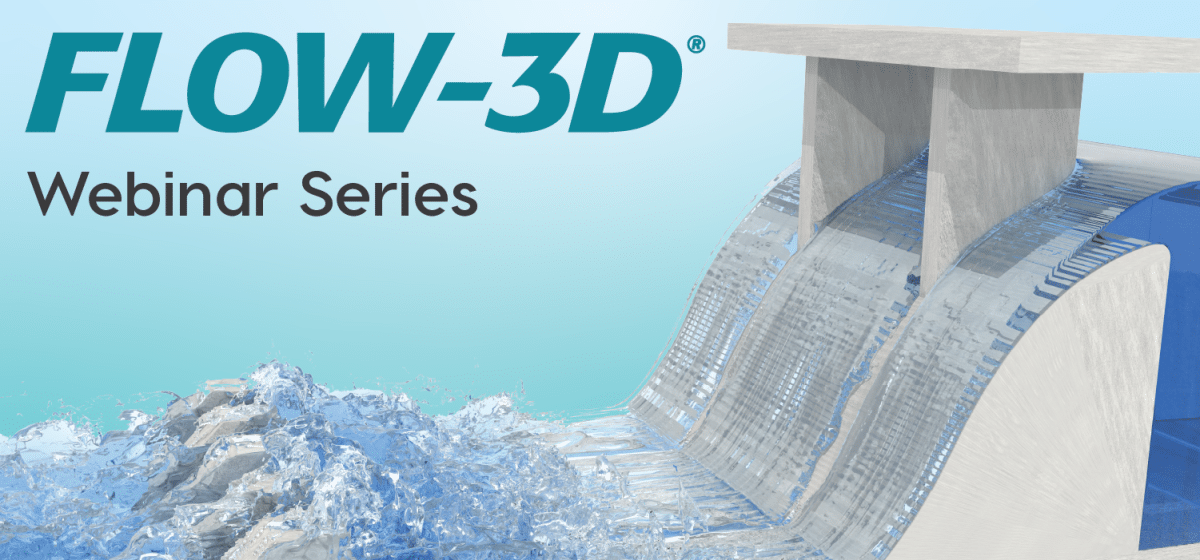
Getting Started with FLOW-3D HYDRO
FLOW-3D HYDRO’s ease-of-use and volume of fluid method make it an ideal choice for modelling three-dimensional (3D) free surface flows often seen in civil and environmental engineering applications. The first four webinars of this series will build off of one another. We will start with how to set up a simple model using the classic flow over a weir example. In the second webinar, we will incorporate different elements like moving and floating objects. In the third webinar we will add a layer of complexity to model the erosion downstream of the weir. In the fourth webinar, we will bring it all together by visualizing and analysing the results. Each webinar will be 15 minutes long with time for questions and answers. Once you have watched all four webinars, you will be ready to start using FLOW-3D HYDRO with confidence!
*Please note that the webinar registration is limited to people located in Australia or New Zealand.
Part 1: Basic Model Setup
This webinar is the first in a four-part series to learn the basics of the FLOW-3D HYDRO workflow. In this brief 15-minute webinar, we will illustrate the basic FLOW-3D HYDRO modelling workflow by creating a model of flow going over a weir. The webinar will cover how to:
- Start a model from one of FLOW-3D HYDRO’s pre-loaded simulation templates.
- Define your model physics and fluids (spoiler: these are pre-loaded in the template).
- Create and import 3D geometry objects.
- Apply a 3D computational mesh and define the boundary conditions.
- Specify initial conditions within the model domain.
- Run the simulation!
Part 2: Incorporate Moving Objects
This webinar is the second in a four-part series to learn the basics of the FLOW-3D HYDRO workflow. In this brief 15-minute webinar, we will build upon the weir example from the first webinar and add further complexity by activating the moving object physics. The webinar will cover how to:
- Create a new model by copying an existing model.
- Activate the general moving object physics.
- Define a moving object that has a prescribed motion (a moving gate).
- Incorporate a moving object that has a coupled motion with the fluid flow (a floating log).
- Add a flux plane and probe to measure data within the model domain.
Part 3: Add Sediment Transport
This webinar is the third in a four-part series to learn the basics of the FLOW-3D HYDRO workflow. In this brief 15-minute webinar, we will use the weir model from the first two webinars and add sediment transport physics. The webinar will cover how to:
- Create a new model using a restart from a previous model as the initial condition.
- Activate the sediment transport physics.
- Define an erodible streambed object within the model.
- Modify the geometry to assess erosion protection options.
Part 4: Communicate your CFD Results
This webinar is the last of a four-part series to learn the basics of the FLOW-3D HYDRO workflow. Now that you’ve created your first FLOW-3D HYDRO model, how do investigate the output to make engineering decisions? How can you convey these model results to your clients and stakeholders? In this brief first 15-minute webinar, we will illustrate the common post-processing functions available in FLOW-3D POST that you can use to analyse the model output and create visual outputs for your presentations and reports. The webinar will cover:
- Overview of post-processing in FLOW-3D HYDRO and FLOW-3D POST.
- Load your simulation results into FLOW-3D POST (including multiple simulations side by side).
- Create 2D slices and vectors through the 3D fluid volume.
- Use the threshold function to identify regions of interest (i.e., high velocity flow areas).
- Add streamlines to visualise flow patterns.
- Create time series graphs to plot key outputs.
- Add ray tracing for realistic rendering.
- Export images and videos.
- Save and load your layouts to use between model runs.